
·
3 minutes
Microsoft Business Central + Shopify: The Perfect Retail Blend

Hassan Omar Oweidat I Head of Enterprise Solutions
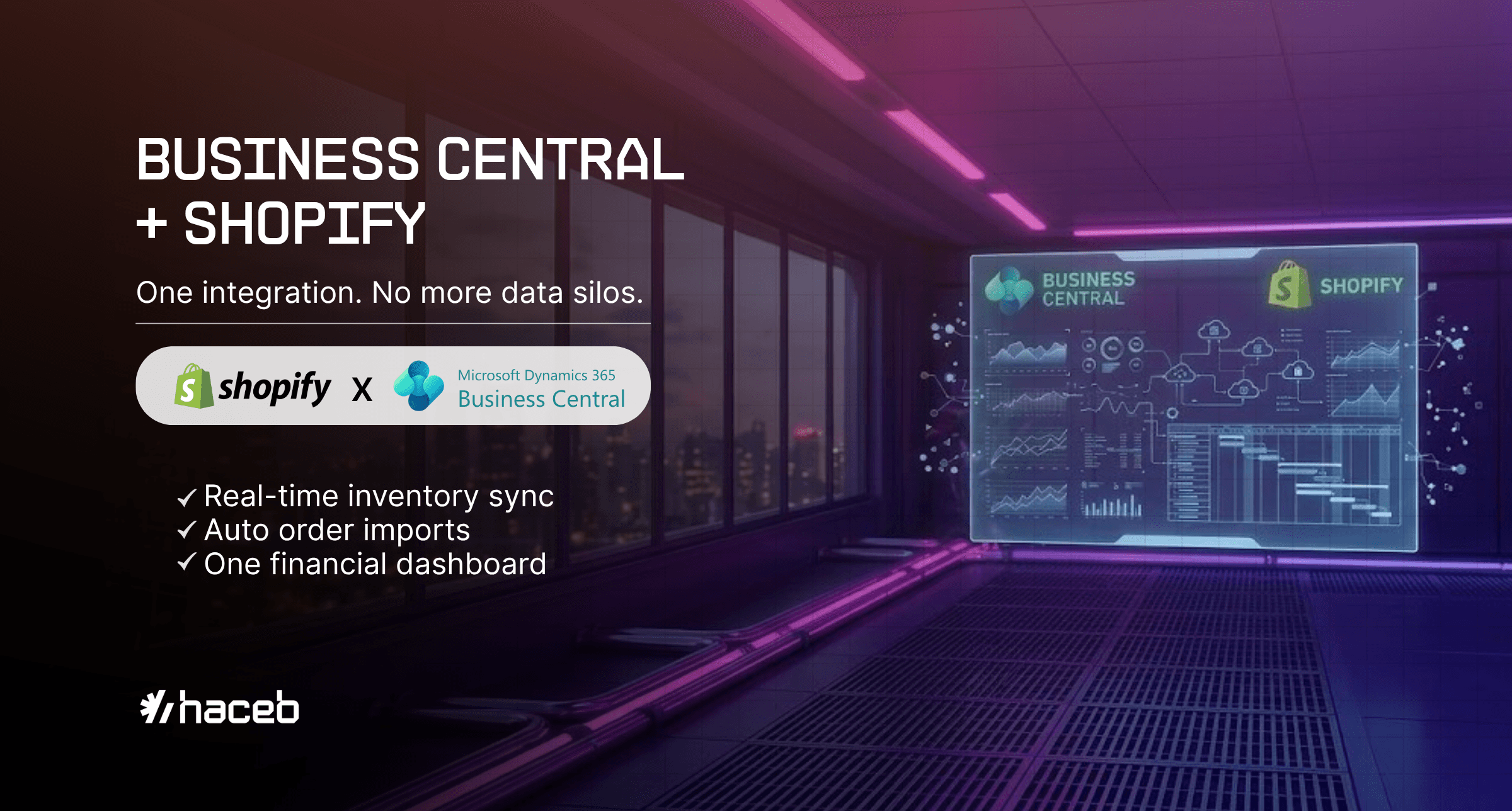
Retail today is fast, connected, and digital‑first. Whether you run a single store or a nationwide chain, the key to thriving is integration—and that’s exactly where the combination of Microsoft Dynamics 365 Business Central and Shopify become genuinely useful.
Why This Combo Works
Shopify powers your frontline: modern eCommerce stores and smart POS systems that deliver great customer experiences.
Business Central runs your back office, automating inventory, orders, purchasing, accounting, and reporting in one place.
When integrated, the two systems share data in real time — orders from Shopify flow into Business Central automatically, inventory levels stay current across channels, and your finance team stops reconciling spreadsheets.
What You Get from the Integration
In practical terms, here's what the integration handles day-to-day:
Real-time inventory sync between your online store and physical shops
Automatic Shopify order imports into Business Central for fulfillment and invoicing
Centralized customer and sales data
Consistent product info across channels
Full financial visibility in one dashboard
What You Should Also Know
The Native Connector Does the Heavy Lifting
Microsoft’s official Shopify Connector ensures bidirectional synchronization of orders, inventory, prices, and customer records, reducing dependency on third-party tools and simplifying setup and updates.Supports Both B2C and B2B Workflows.
In addition to direct-to-consumer (D2C) use, the connector now supports B2B features such as group pricing, multiple buyers, and order approvals, making it ideal for wholesalers or channel partners.Handles Multi-Company, Multi-Currency, and Multi-Store Use Cases.
Business Central can support multiple Shopify storefronts, entities, and currencies within the same ERP instance.Scalable for Large Catalogs, With Caveats.
While Shopify Plus easily handles catalogs with hundreds of thousands of SKUs, some synchronization limits (like >100 variants per product under legacy REST APIs) require transitioning to GraphQL-based flows for full support. If your catalog is large, confirm early whether you need GraphQL-based flows, it affects how you structure the implementation.Real-World Workflow Example:
In practice, many retailers run automated jobs that pull Shopify orders into Business Central every few minutes, convert them into sales orders, generate pick lists, sync inventory, print labels, and autopost tracking info back to Shopify—all with minimal manual steps.
Custom vs. Pre-Built Connector
Most businesses do fine with the pre-built connector—but if you have specialized needs like advanced warehouse management, custom pricing logic, or omnichannel routing, a tailored integration may be necessary.
Governance and Role Controls Matter.
Decide where master data lives: ideally, Business Central should be the system of record for products, customers, and financials, with Shopify initiating sales orders. Delegating too much control to commerce platform users can lead to mismatched data and accounting discrepancies.
It’s Time to Rethink Retail
In the new retail reality, agility and integration are non-negotiable. Shopify gives you the storefront and customer interface. Business Central gives you the engine to run it all.
Together, they close the gap between your storefront and your back office, which is where most retail headaches actually live.
FAQ
Got questions? We've got answers.
Everything you need to know about our platform in one place—features, pricing, integrations, and more, all answered for you.